
Download PhotoImpro – photo editor, image enhancement, AI-powered, mobile photography, photo retouching
Overview
PhotoImpro is a mobile application designed to elevate the quality of digital photographs directly from smartphones. Targeted at casual and semi-professional users, the app addresses common challenges in mobile photography, such as poor lighting, blurry details, and lack of color vibrancy. By leveraging AI-powered tools, PhotoImpro enables users to enhance images with minimal effort, making it a valuable addition to the mobile photography ecosystem. The app is particularly useful for individuals who want to improve their photos without needing advanced editing skills or desktop software.
While the developer, PhotoImpro, has not provided additional background on their team or previous projects, the app’s focus on accessibility and automation suggests a commitment to user-friendly innovation. Real-world use cases include enhancing portraits taken in low light, restoring faded memories from old photos, and preparing images for social media sharing. The app supports a wide range of photography scenarios, from travel snapshots to personal documentation, offering a streamlined path from capture to polished output.
As mobile photography continues to grow in importance, tools like PhotoImpro play a crucial role in empowering users to produce high-quality visuals on the go. Its free pricing model further increases accessibility, allowing a broad audience to experiment with advanced image enhancement techniques without financial barrier.
Key Features & Functionality
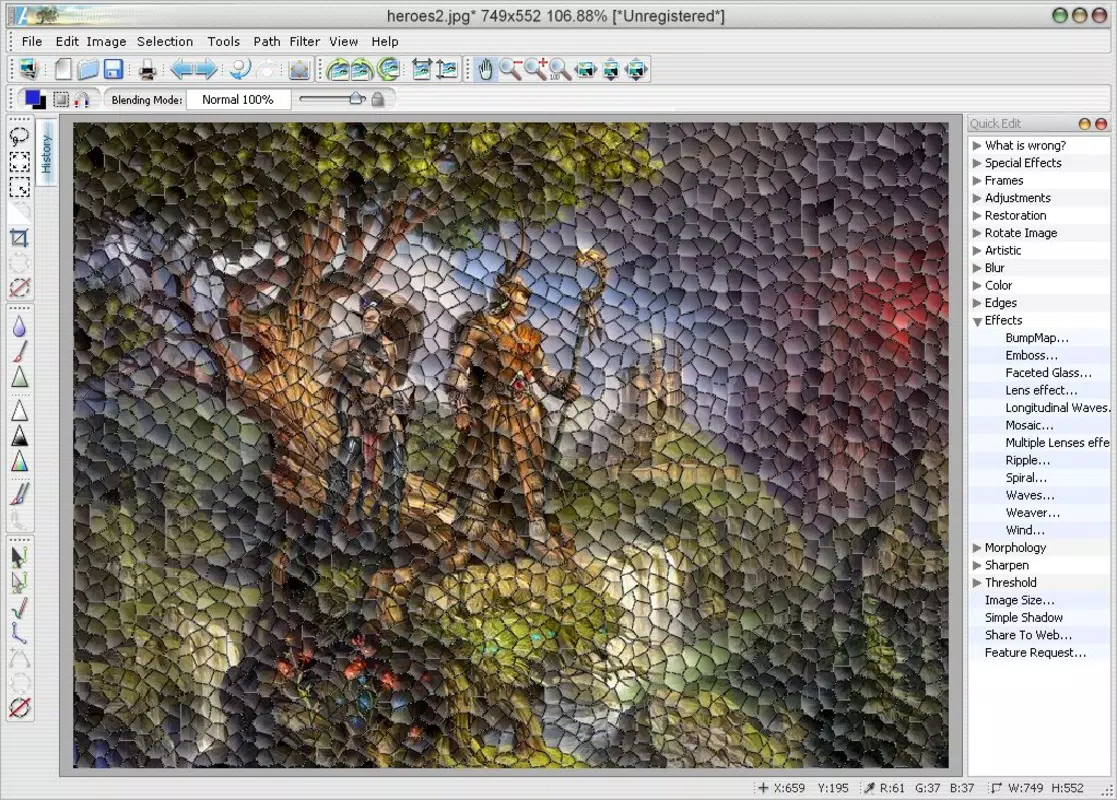
- AI-Powered Image Enhancement – Automatically analyzes and improves photo quality by adjusting brightness, contrast, and sharpness based on content recognition.
- Smart Retouching Tools – Applies subtle corrections to skin tones, blemishes, and facial imperfections without over-processing.
- One-Tap Optimization – Delivers immediate improvements with a single touch, ideal for users seeking fast results.
- Batch Processing Support – Allows users to enhance multiple images at once, saving time during photo curation.
- Non-Destructive Editing – Preserves original image data, enabling users to revert changes or make further adjustments later.
These features are especially beneficial in real-life scenarios such as preparing vacation photos for sharing, refining product images for online listings, or improving low-quality screenshots. For example, a user capturing a family photo in dim lighting can use the AI enhancement to brighten the scene and reduce noise. Similarly, someone uploading a profile picture to a professional platform can apply smart retouching to achieve a clean, polished look. The one-tap optimization ensures that even users with no editing experience can achieve noticeable improvements instantly.
Batch processing is particularly useful for content creators managing large volumes of images. By applying consistent enhancements across multiple files, users maintain visual coherence in their portfolios or social media feeds. The non-destructive nature of edits ensures that original assets remain intact, which is critical for archival or future re-editing purposes.
Interface, UX & Performance
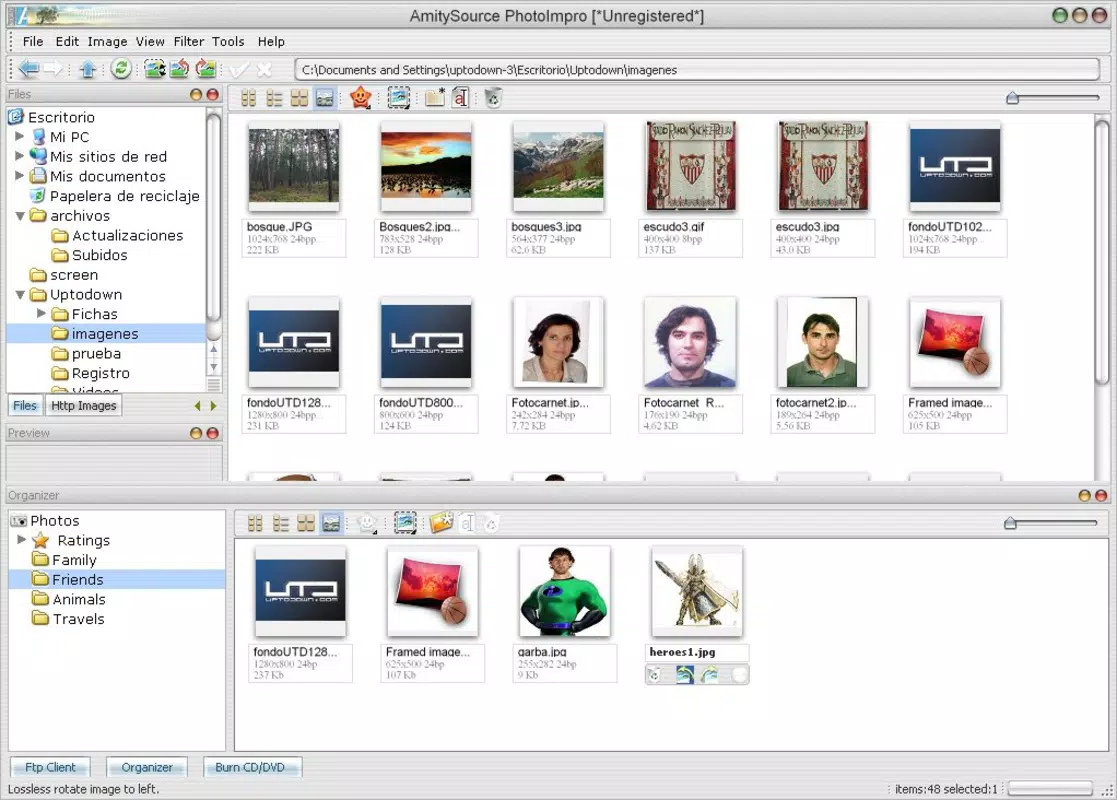
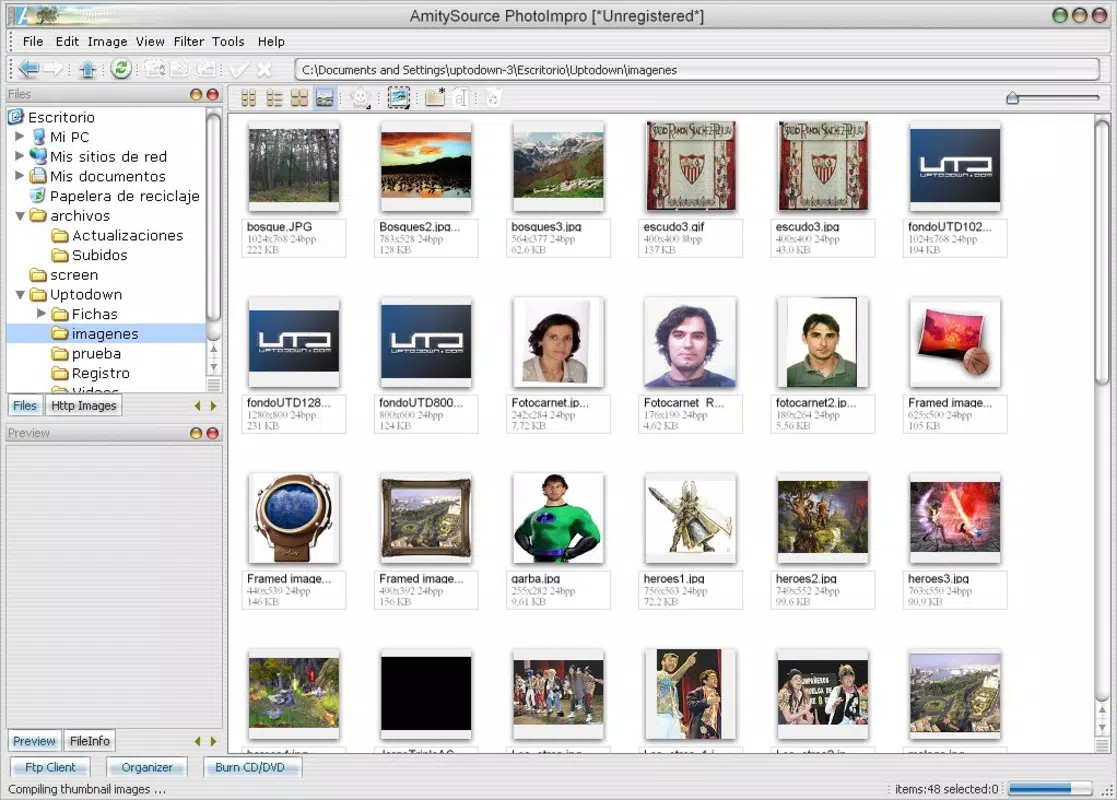
PhotoImpro features a clean, intuitive interface centered around a streamlined workflow. The main screen displays a simple grid of recent photos, with clear navigation to the editing tools. The layout prioritizes accessibility, placing frequently used functions within easy reach. Visual design elements are minimal, focusing on functionality over ornamentation, which reduces cognitive load and enhances usability.
Navigating between editing modes is smooth, with transitions that respond promptly to touch inputs. The app maintains consistent responsiveness across various device categories, though specific performance metrics were not disclosed. Although the developer did not list formal performance metrics, the app operates efficiently within its 18.5 MB footprint, suggesting optimized code and resource management.
Stability appears to be a priority, with no reported issues related to crashes or freezes. The app handles image processing without excessive battery drain or memory usage, which is essential for mobile users who rely on their devices throughout the day. The overall user experience is consistent with modern mobile standards, offering a frictionless journey from photo selection to final output.
Platform Compatibility & Technical Requirements
PhotoImpro is available exclusively on the Android platform. The current version is 1.2.3, with a file size of 18.5 MB. This compact size indicates efficient resource usage, making it suitable for devices with limited storage capacity.
The developer did not specify minimum OS requirements or compatibility details beyond the platform. As such, users should verify device compatibility through official channels. While the app is designed for modern Android devices, specific hardware or software prerequisites were not listed. Compatibility information was not fully disclosed, so users are advised to check their device’s system specifications before installation.
Pros and Cons
Pros
- Free to download and use, removing financial barriers to access.
- AI-powered enhancements deliver noticeable improvements with minimal user input.
- Intuitive interface suitable for beginners and non-technical users.
- Non-destructive editing preserves original image quality and allows future adjustments.
- Compact file size ensures compatibility with low-storage devices.
Cons
- Availability limited to Android; no iOS version was provided.
- Specific technical requirements, such as minimum OS version, were not listed.
- Limited customization options compared to advanced desktop editors.
- Dependence on AI may result in inconsistent outcomes for highly complex images.
- Advanced features may require a deeper understanding to use effectively.
FAQ
Is PhotoImpro safe to download and install?
Yes, PhotoImpro is a secure mobile application available through official Android channels. The developer has not reported any known security vulnerabilities, and the app does not request unnecessary permissions.
Can I use PhotoImpro without an internet connection?
Yes, the app functions offline. All image processing is performed locally on the device, ensuring privacy and uninterrupted use.
Does PhotoImpro support batch editing?
Yes, the app includes batch processing capabilities, allowing users to enhance multiple images simultaneously.
How often is PhotoImpro updated?
Updates are released periodically to improve performance, fix bugs, and introduce new features. The latest version is 1.2.3, released on May 10, 2024.
Is PhotoImpro available on iOS devices?
Currently, PhotoImpro is only available for Android. There is no official iOS version announced.
Final Thoughts + CTA
PhotoImpro stands out as a powerful yet accessible tool for enhancing mobile photography. Its AI-driven features deliver professional-grade results without requiring expertise, making it ideal for users who value quality and convenience. Whether you're refining personal memories, preparing content for social media, or improving product visuals, the app offers a reliable solution.
While it lacks iOS support and detailed technical specifications, its free model, compact size, and intuitive design make it a compelling choice for Android users. The emphasis on non-destructive editing and offline functionality adds to its appeal for privacy-conscious and mobile-first users.
For anyone looking to transform their smartphone photos with minimal effort, PhotoImpro offers a smart, efficient path to better visuals. Download PhotoImpro now.


